It’s the question I get asked more than any other.
A client gets their new website, it looks great, everything works — and a few months later they ask: “Do I really need to keep paying for maintenance? The site seems fine.”
It’s a fair question. And the honest answer is: yes, you do. But not for the reasons most web companies will tell you.
Let me explain what’s actually happening inside a WordPress site when nobody’s looking after it, and why the cost of skipping maintenance is almost always higher than the cost of doing it.
First — What Is WordPress Maintenance?
WordPress is not a static thing. It’s software, and like all software it needs to be kept up to date.
Your website is built from several moving parts: the WordPress core itself, a theme that controls how it looks, and plugins that handle specific functions — contact forms, security, SEO, image galleries, and so on. Each of these is developed and maintained independently, and each releases updates on a regular basis.
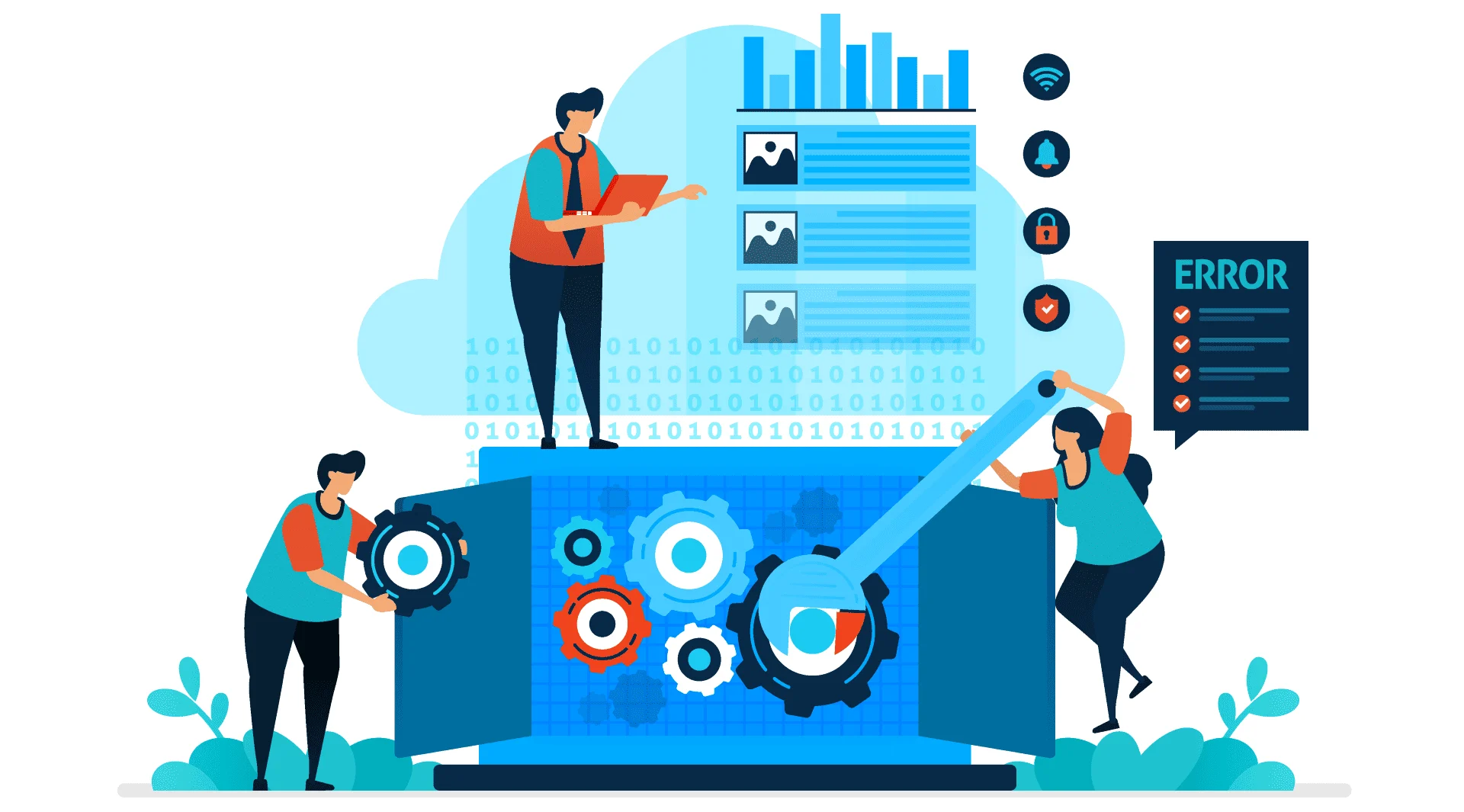
WordPress maintenance is the ongoing job of keeping all of those parts updated, compatible with each other, and working as they should. It also includes regular backups, security monitoring, and someone to call when something breaks.
That’s it. There’s no mystery to it. But the consequences of not doing it are worth understanding.
What Happens When a WordPress Site Isn’t Maintained
1. Security vulnerabilities open up
This is the big one, and it’s the reason I take maintenance most seriously.
In 2024 alone, nearly 8,000 new security vulnerabilities were discovered across the WordPress ecosystem — in plugins, themes, and WordPress core. That number goes up every year. When a vulnerability is found, the developer releases a patch. If you apply the update, you’re protected. If you don’t, you’re exposed.
Hackers don’t manually target small business websites. They run automated scripts that scan thousands of sites at once, looking for known vulnerabilities. Your site doesn’t need to be high-profile to get hit. It just needs to be running an outdated plugin that appeared on a list.
I’ve seen this happen to client sites that came to me after being elsewhere. Contact forms used to send spam. Pages redirecting visitors to unrelated sites. Sometimes the owner doesn’t even notice for weeks.
Recovery from a hacked WordPress site takes time, costs money, and often involves telling Google your site is clean again — which is a process, not a switch. Prevention is genuinely cheaper.
2. Plugins stop working together
WordPress plugins are built by different developers, updated on different schedules. Most of the time they work fine together. But when updates are left to pile up — three months, six months, a year — the gap between versions widens, and conflicts start to appear.
A contact form stops submitting. A gallery stops displaying images. A checkout page throws an error. These things don’t happen dramatically. They happen quietly, while you’re busy running your business, and customers are leaving your site without telling you why.
3. Your Google rankings take a hit
Google pays attention to how fast and how reliably your site runs. An outdated site tends to be a slower site. A hacked site can be flagged by Google entirely — removed from search results or marked as dangerous in browsers.
If your site disappears from Google, the traffic doesn’t come back automatically when you fix the problem. You’re starting again.
4. Backups don’t exist
Most hosting providers take periodic server snapshots, but they’re not a reliable backup strategy. A proper backup means a clean, recent copy of your site stored separately, that can be restored quickly if something goes wrong.
Without regular backups, a serious problem — a hack, a failed update, a corrupted database — can mean starting from scratch. With them, the same problem is usually fixed in under an hour.
5. Small problems become expensive problems
This is the one people find out the hard way.
A single missed update is rarely catastrophic. Six months of missed updates, on a site nobody’s been looking at, can mean a list of compatibility issues, security patches, and broken features that takes several hours of work to resolve. The cost of fixing it is always higher than the cost of the maintenance that would have prevented it.
“But My Site Looks Fine”
This is the most common reason people give for skipping maintenance, and it’s understandable — if the homepage loads and the contact form works, it seems fine.
The problem is that most of what maintenance prevents is invisible until it isn’t. Security vulnerabilities don’t show on the front end. Plugin conflicts can be lurking without triggering yet. A site can look fine on your screen and be running slowly for everyone else.
By the time something looks wrong, the problem is usually well established.
What Good Maintenance Actually Covers
A proper monthly maintenance plan for a WordPress site should include:
- WordPress core updates — applied and tested each time a new version releases
- Plugin and theme updates — checked for compatibility before applying
- Security scanning — regular checks for malware, suspicious code, and known vulnerabilities
- Offsite backups — a clean copy of your site stored separately from your host, taken regularly
- Uptime monitoring — so someone knows if your site goes down, not just you when a customer mentions it
- A real person to contact — when something breaks or you have a question, you can reach someone who knows your site
That last point matters more than most people realise. A maintenance plan with a faceless helpdesk is a very different thing from a maintenance plan with someone who built your site, knows how it’s set up, and can fix it properly.
See exactly what’s included in my Melton Mowbray maintenance plan and what it costs →
How Much Does Maintenance Cost — and Is It Worth It?
A monthly WordPress maintenance plan typically costs between £30 and £80 per month, depending on what’s included and who’s providing it.
Put that next to the cost of recovering a hacked site (typically £150–£500 minimum, often more), rebuilding a site from scratch, or losing Google rankings and the traffic that comes with them — and the maths is straightforward.
It’s not a luxury. It’s the running cost of having a website that stays reliable.
Read a full honest breakdown of what a small business website actually costs to run →
The Bottom Line
Your WordPress website is a business tool. Like any tool, it needs to be looked after to keep working properly. The difference is that when a website fails, it often does so quietly — costing you enquiries and customers before you even know there’s a problem.
Maintenance is how you make sure that doesn’t happen.
If you’re based in Melton Mowbray or Leicestershire and you’re not sure whether your current site is being properly looked after — or if it isn’t being looked after at all — get in touch. I’ll take a look and tell you honestly where things stand.
Find out more about working with a local Melton Mowbray web designer →